RGB USB/XLR Dynamic Cardioid Mic: Clean Streaming Audio
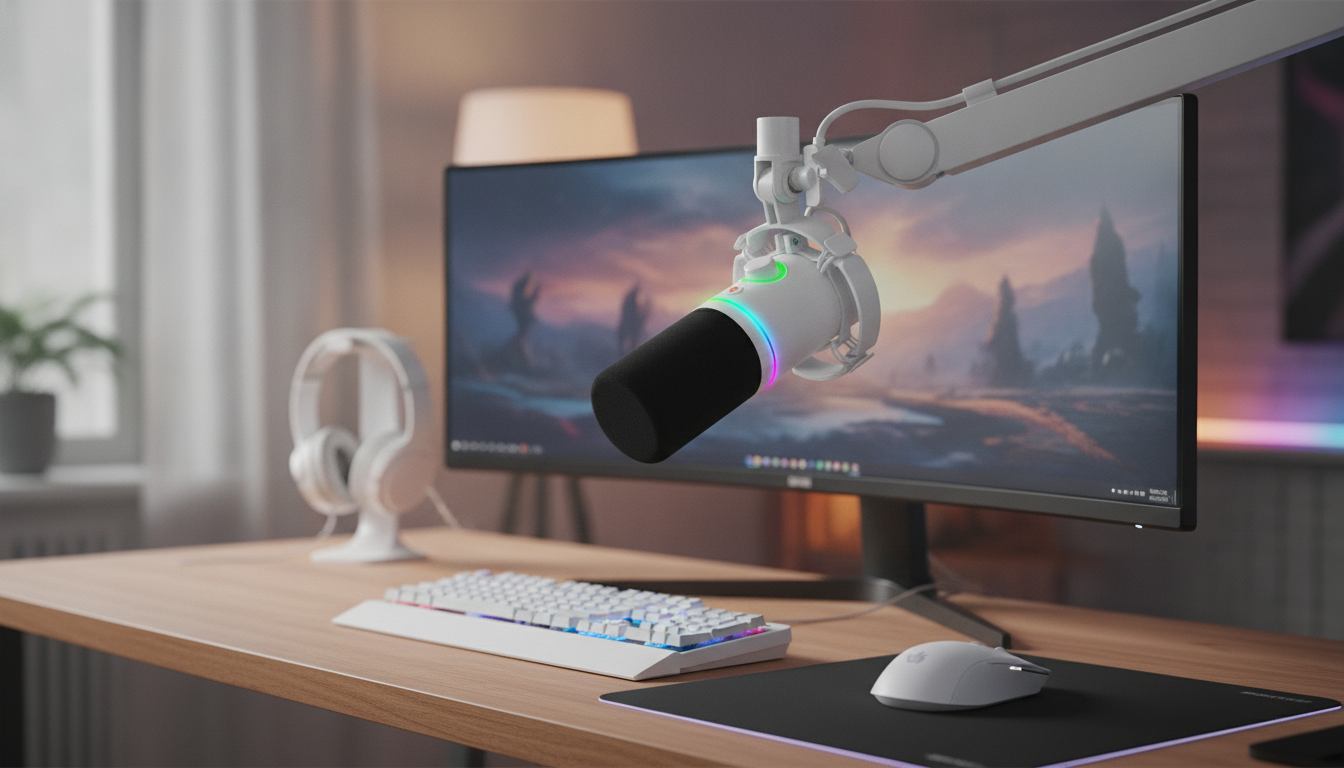
RGB Gaming Microphone with USB/XLR for Streaming and Recording
A dynamic cardioid microphone with both USB and XLR connections can simplify a gaming or creator setup: USB for quick plug-and-play and XLR for upgrading to an audio interface later. This guide breaks down what to expect from an RGB dynamic cardioid mic, how to set it up for common platforms, and how to get clean voice capture with less background noise. For more guidance, see Best USB microphones 2026: Plug-and-play mics for ….
What This Microphone Is Built For
- Streaming voice capture that stays clear during fast gameplay and loud keyboards
- Recording voiceovers, podcasts, and chat audio with a focused pickup pattern
- Hybrid connectivity: start with USB, switch to XLR when adding a mixer or interface
- Desk-friendly gaming aesthetic with RGB lighting for on-camera setups
Dynamic Cardioid Sound: Why It Works for Gaming Desks
Gaming setups are rarely quiet: mechanical keys, PC fans, and room reflections can pile up fast. A dynamic capsule is often a practical match for a desk environment because it’s built to handle stronger sound sources and is typically less eager to “grab” distant room echo than many condensers. Pair that with a cardioid pickup pattern—most sensitive in front, reduced at the sides and rear—and you get a mic style that naturally favors your voice over the background. For further reading, see The Best Microphones for Streaming and Gaming Right Now.
To make that advantage real, placement matters more than any software filter. Aim for roughly 2–6 inches from your mouth, and keep gain under control. If you need more volume, first move closer rather than cranking gain; that keeps the voice-to-noise ratio in your favor.
One more desk-friendly trick: speak slightly across the mic (a bit off-axis) instead of directly into it. This can soften harsh plosives (P and B bursts) while keeping the midrange clarity that helps speech cut through gameplay audio.
For a deeper reference on how polar patterns behave, see Shure’s overview of directionality and pickup patterns: https://www.shure.com/en-US/performance-production/louder/microphone-directionality-and-polar-patterns.
USB vs XLR: Choosing the Right Connection for Your Setup
Hybrid USB/XLR is about flexibility. USB mode is the “plug it in and go live” option: the mic handles conversion internally and shows up as an input device on your computer (and many docked workflows). XLR mode is the long-term expansion path: you can route through an audio interface or mixer for hands-on gain control, improved preamps, and multi-input setups.
If your voice sounds quiet on USB, treat it like a placement issue first. Get closer and speak at a consistent angle before adding extra gain, because boosting gain can lift keyboard clacks and fan noise along with your voice.
USB and XLR at a glance
| Feature | USB Mode | XLR Mode |
|---|---|---|
| Setup time | Fast plug-and-play | Requires interface or mixer |
| Upgrade path | Limited to built-in conversion | Scales with better preamps/processing |
| Cable length tolerance | Shorter recommended | Longer runs typically fine |
| Best for | Streaming, meetings, travel | Podcasting, studio routing, multi-gear rigs |
RGB Lighting: Practical Tips (Not Just Looks)
RGB lighting can make a mic feel “camera-ready,” but it also impacts how your face cam looks. If the RGB is too bright and close to the lens, it can spill color onto your skin tones or create a glowing hotspot in the frame. A dimmer static color is usually the safest on-stream choice, especially for longer sessions where flashy effects can become distracting.
- Use lighting to match scene themes without washing out the face cam (avoid overly bright RGB near the lens).
- If reflections appear in glasses, reposition the mic slightly lower or angle lighting away from the camera.
- For distraction-free recording, set RGB to a dim static color or turn effects off when possible.
- Cable management helps RGB setups look cleaner on camera—route USB/XLR away from the keyboard area.
Setup Guide: Getting Clean Audio Fast
A clean voice sound starts before software. Treat setup like a quick checklist:
Streaming and Recording Settings That Usually Help
If you’re curious about audio standards and best practices across recording and broadcast, the Audio Engineering Society is a respected reference point: https://www.aes.org/.
Who This Mic Fits (and Who May Want Something Else)
Product Snapshot
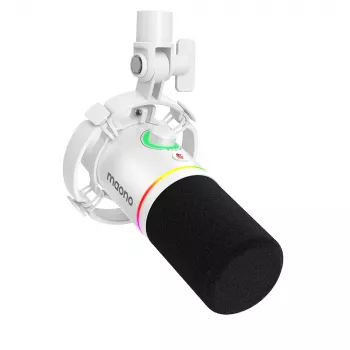
- RGB Gaming Microphone with USB/XLR, Dynamic Cardioid Mic for Streaming & Recording
- Price: $74.01 (USD), availability: In stock
- Best use: close-mic voice capture for streaming, voice chat, and content creation
- See product details, images, and current availability on the product page
More In-Stock Picks
- Using AI for Research & Data Summaries — SEO-Optimized Guide for Researchers, Students & Professionals | Digital Download | how to use ai for research and data summary
- Mastering Your Day with Smart Habits and AI: Digital Guide, eBook, and Checklist for Self-Care, Productivity, and Daily Routine Optimization
FAQ
Is a dynamic cardioid microphone good for streaming in a noisy room?
Yes—dynamic mics paired with a cardioid pickup pattern tend to focus on what’s directly in front of them while reducing side and rear noise like keyboards and PC fans. The biggest improvement comes from close placement (about 2–6 inches) with moderate gain.
Should USB or XLR be used for gaming and streaming?
USB is the simplest option for fast plug-and-play streaming, while XLR is ideal when you want to add an interface or mixer for more control and future expansion. Both can sound excellent when placement and gain are set correctly.
How close should the microphone be for clear voice without distortion?
A typical starting range is 2–6 inches, speaking slightly off-axis to reduce plosives. If you hear distortion, lower the gain (or input level) rather than moving far away, so you keep background noise down.






Leave a comment